Week 12 - Final Website and VR output!
The Final Website screens:


Final VR screenshots:


 |
| Brand |
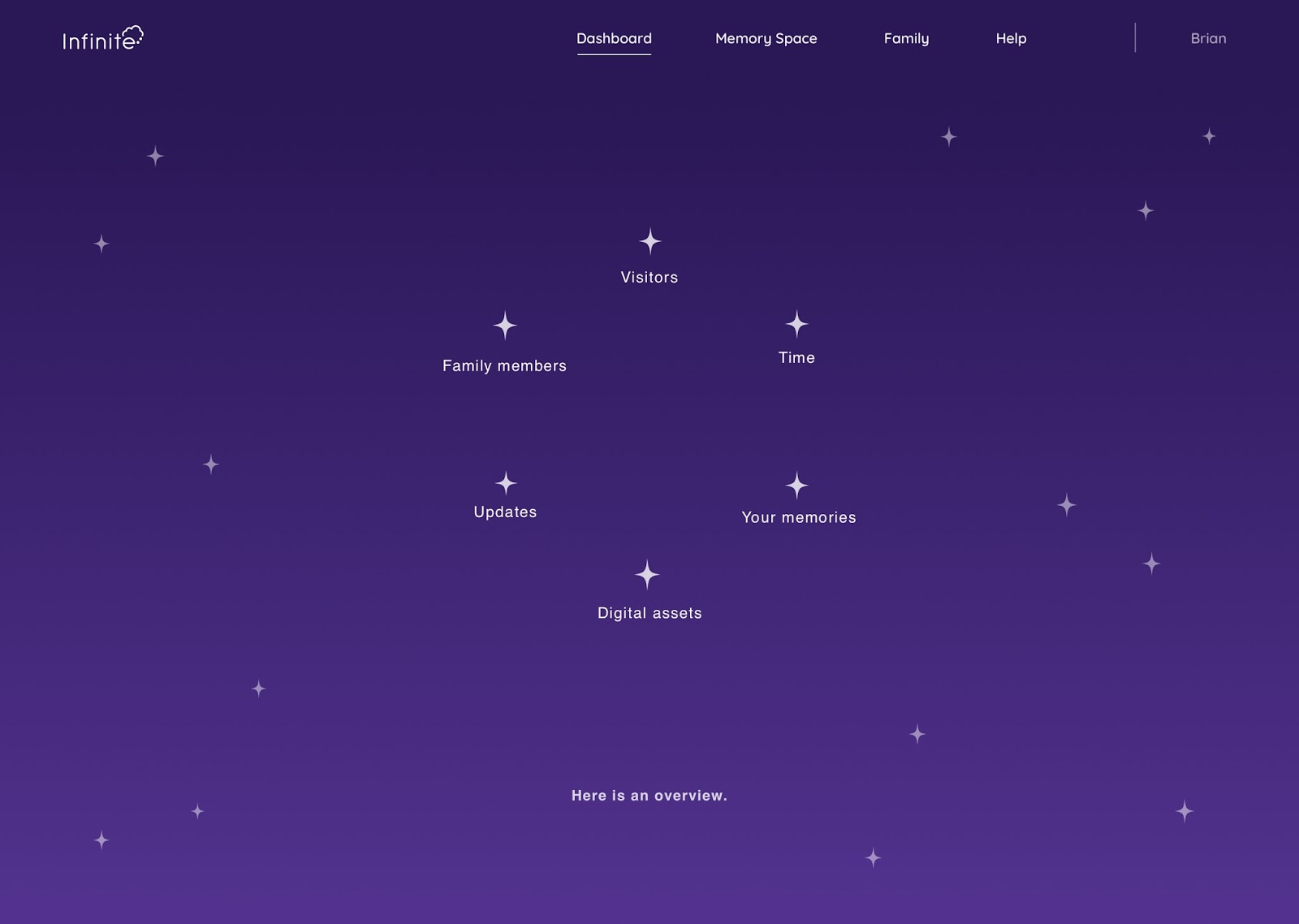 |
| Dashboard |
 |
| Dashboard extended |
 |
| Family stellar network. Click on a name/star to get to their personal constellation |
 |
| Hallway system. Personal = Each door is a different memory space. Family = one door equals one family member |
 |
| Decision screen - hallway or family network |
 |
| welcome back screen after login |
 |
| loading screen for loading Memory space preview? |
 |
| Image to VR conversion - edit converted space |
 |
| Help mode - Click on Help and then on element to get explaination |
 |
| Build mode - build the space how ever you like and embed the memories in the objects |
 |
| Your own constellation - you can add a new memory space or add on and it'll add to you constellation |
 |
| Maori - Matariki Version |
 |
| Image to Memory Space Conversion - Choose Social media |
 |
| Image to Memory Space Conversion -Do you want to add a room in your memory space or delete/edit? |
 |
| Image to Memory Space Conversion - Where does your memory live? |
 |
| Image to Memory space Conversion Loading screen |
 |
| Image to memory space conversion Finished converted room preview |
 |
| Image to Memory space - Collect memories from social media |
 |
| Image to Memory Space Conversion - Select memory |
 |
| Image to VR conversion - Uploading the memory form the location |
 |
| Memory Space preview - screen you get after you clicked on a star in your own constellation |
 |
| Signup - account details |
 |
| Signup -load connecting to family |
 |
| Signup -connect to social media accounts |
 |
| Signup - end screen |
 | |
| Hero page |
 |
| Signup -choose family member |
 |
| Signup - tutorial |


 |
| decision family network or hallway |
 |
| When clicking 'creating' in the Preview of your memory space. Add/delete/edit room in memory space |
Final VR screenshots:


Comments
Post a Comment